People outside MML use the MML Portal, at portal.mmldev-ops.com. They don't need an account or a password: everything starts from an email MML sends them.
In the portal, the ? in the top bar opens this guide.
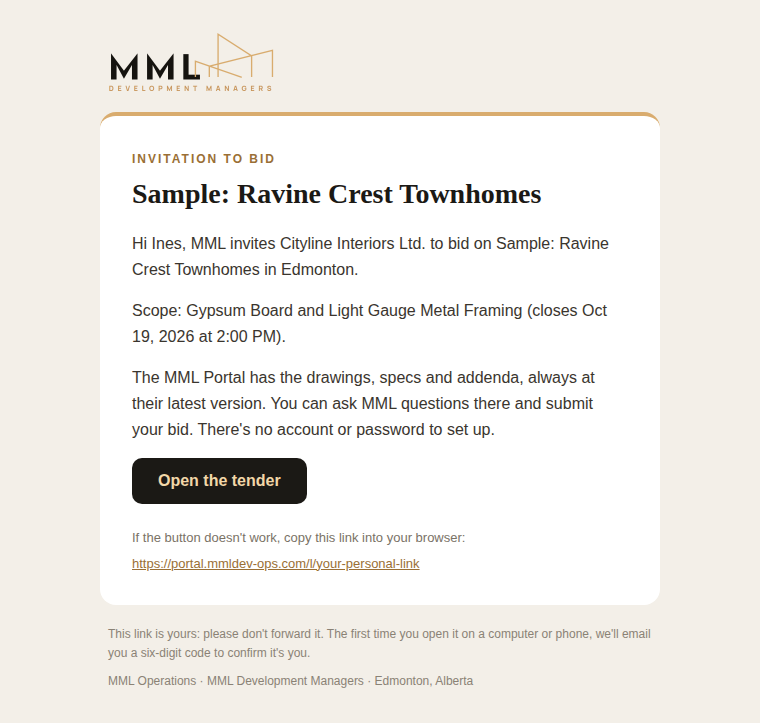
1. The invitation
Each person invited gets an email naming the project, their scope and its closing time, with Open the tender. The link is theirs alone.
2. Confirming it's them
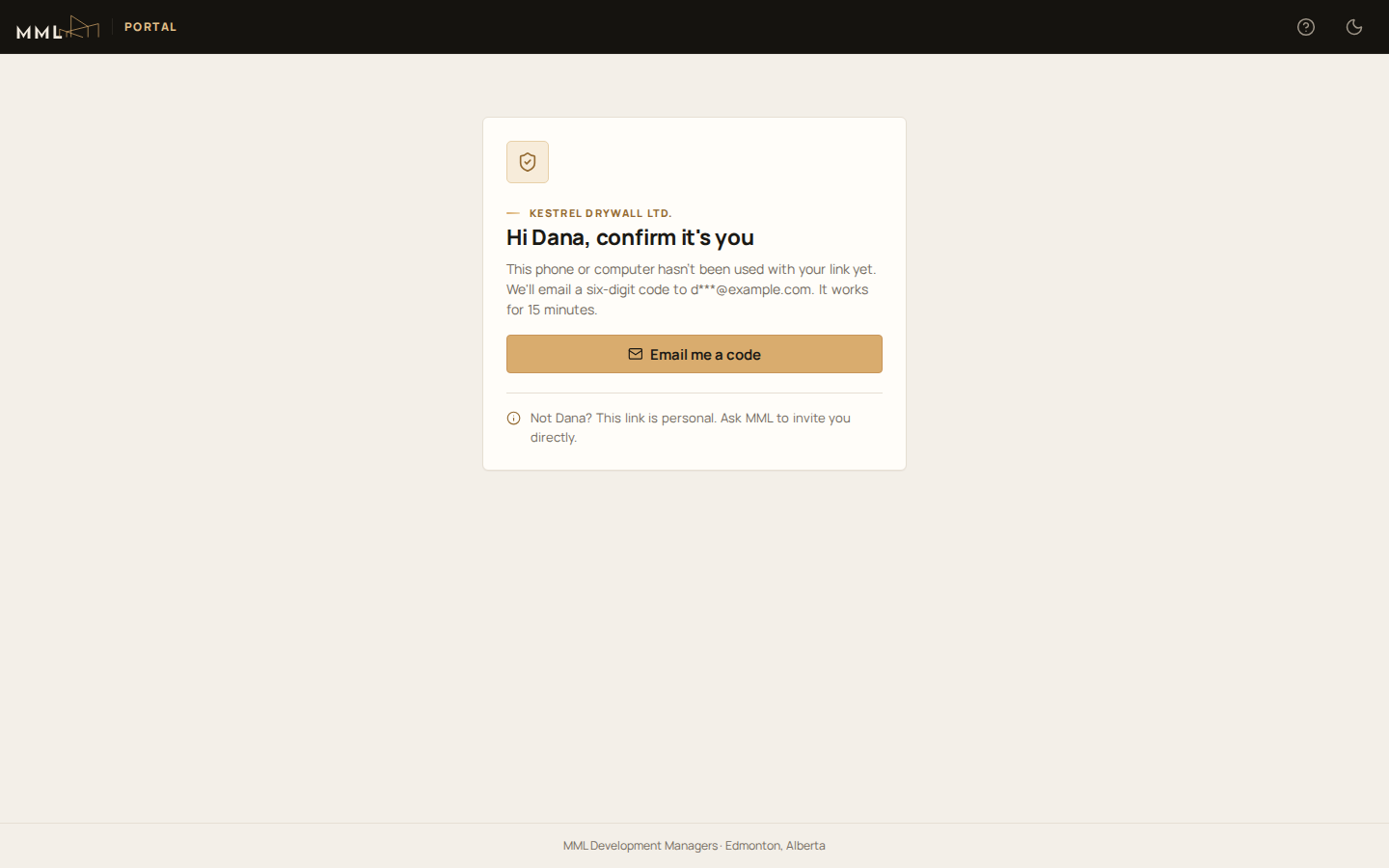
The first time they open the link on a computer or phone:
- They press Email me a code.
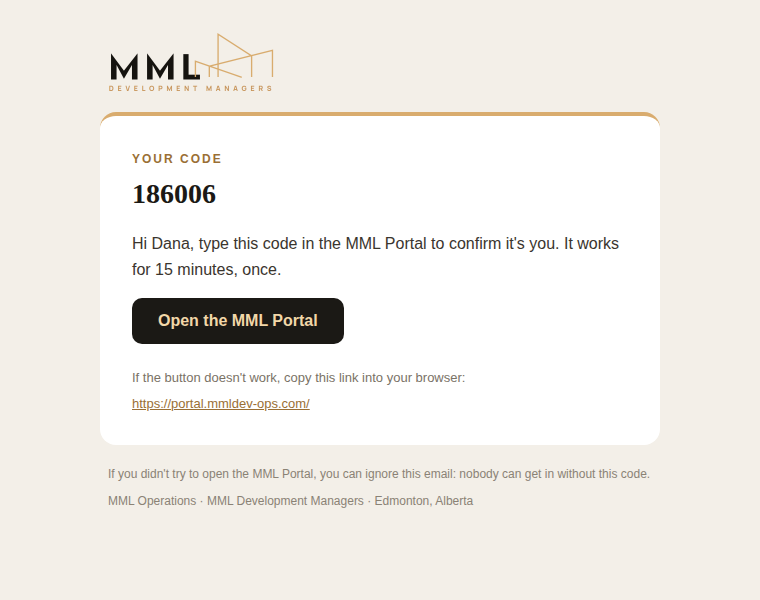
- A 6-digit code arrives at the same address. It works for 15 minutes.
- They type it and press Continue.
That device stays signed in for 30 days.
3. The tender
The tender page starts with What's needed from you: scopes waiting for an answer, bids due, a bid sent before a later addendum, and new or revised documents and answers since their last visit.
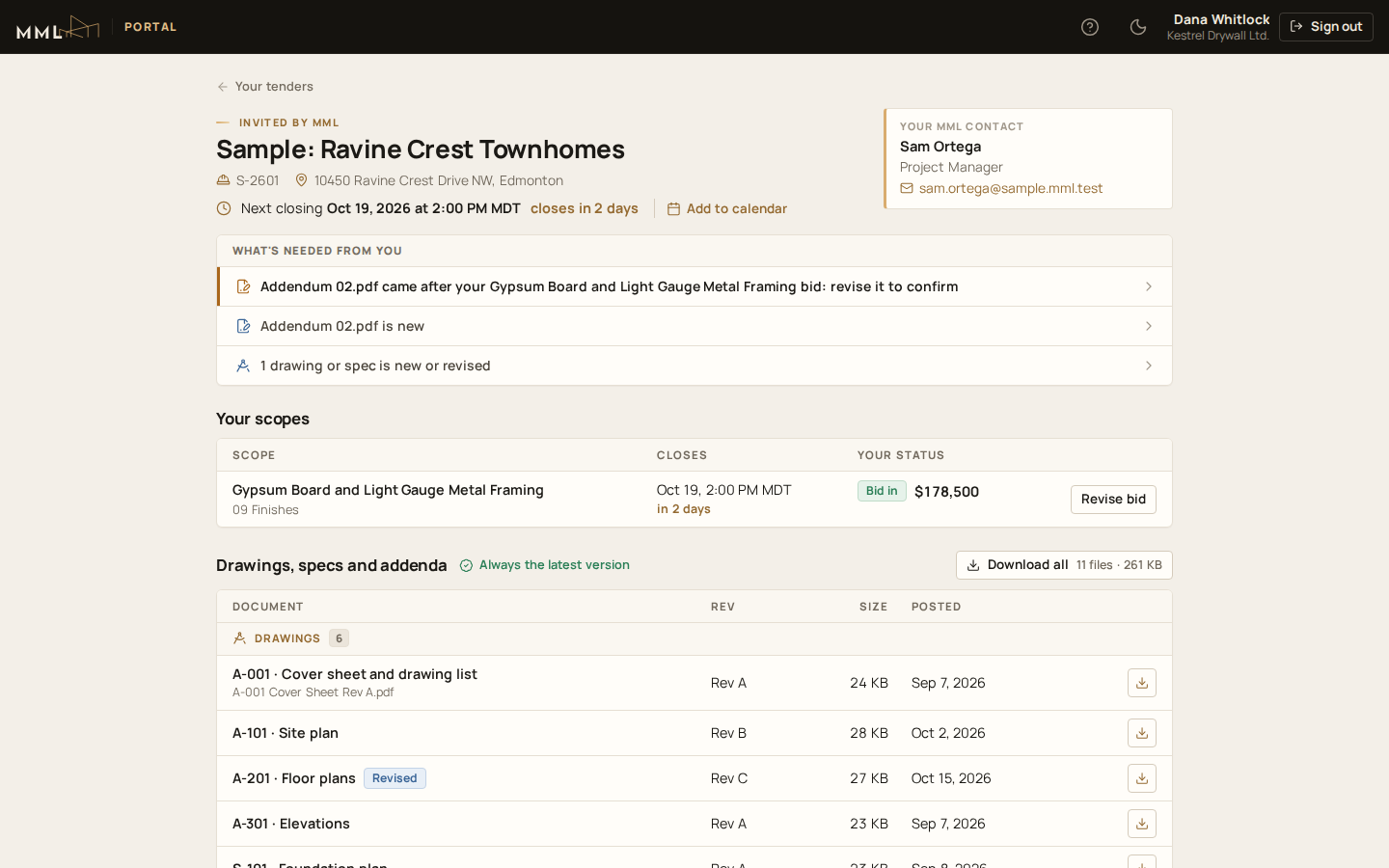
Then come:
- Your scopes, with each closing time, their status and an action: bid, or revise a bid.
- Drawings, specs and addenda, always at the latest version, flagged New or Revised since their last visit. Download all gets them in one zip file.
- Questions and answers.
Your MML contact (whoever invited them) is at the top, and Add to calendar adds each closing time and questions-close time, with a reminder the day before.
Bidders see only their own company's scopes, never another company's bid, and never MML's budget.
4. Bidding
Each scope has its own page, with its closing time, questions-close time and description. First, We'll bid or We won't bid lets MML know early. Then the bid form:
- the base price, before GST, and how long it holds, under Price holds for (30, 60, 90 or 120 days);
- each separate price MML asked for (blank if not priced; a credit is negative);
- the checklist: Included or Excluded for every item;
- a tick for each addendum they priced;
- the quote file and any notes.
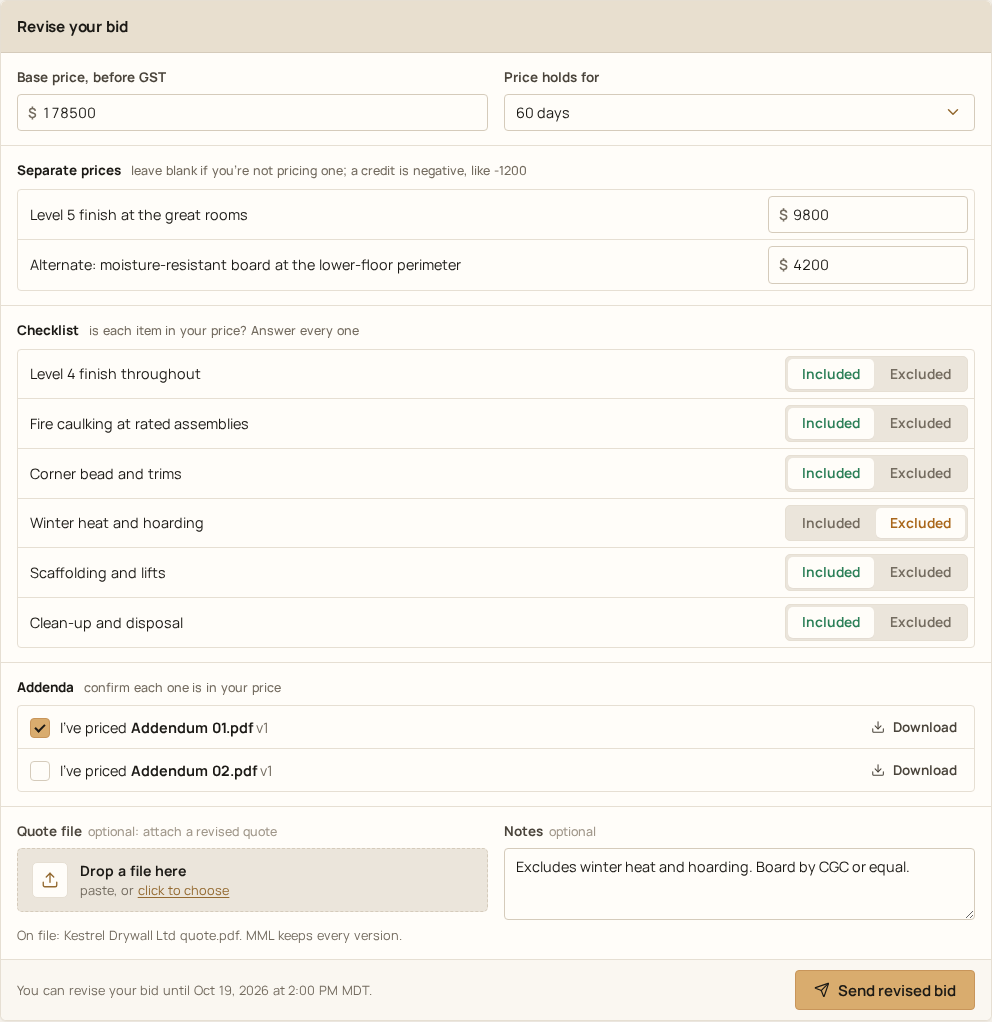
They press Send bid to MML. They can revise it until closing, and MML keeps every version. If an addendum is issued after their bid, the portal asks them to revise it to confirm they've priced it.
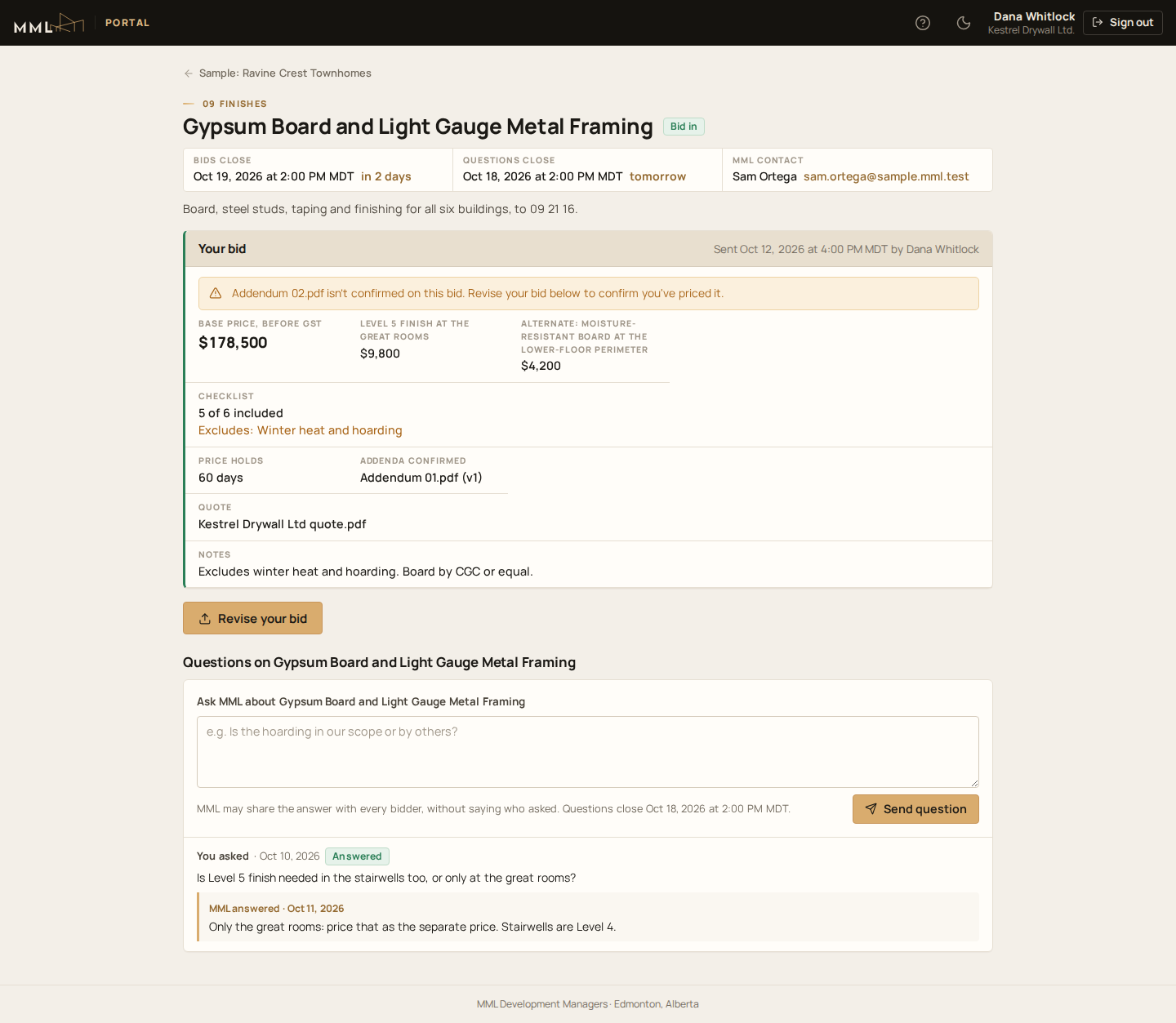
5. Questions
Bidders ask about the whole tender or one scope, until its questions close. MML may share the answer with every bidder without saying who asked. Each answer is emailed.
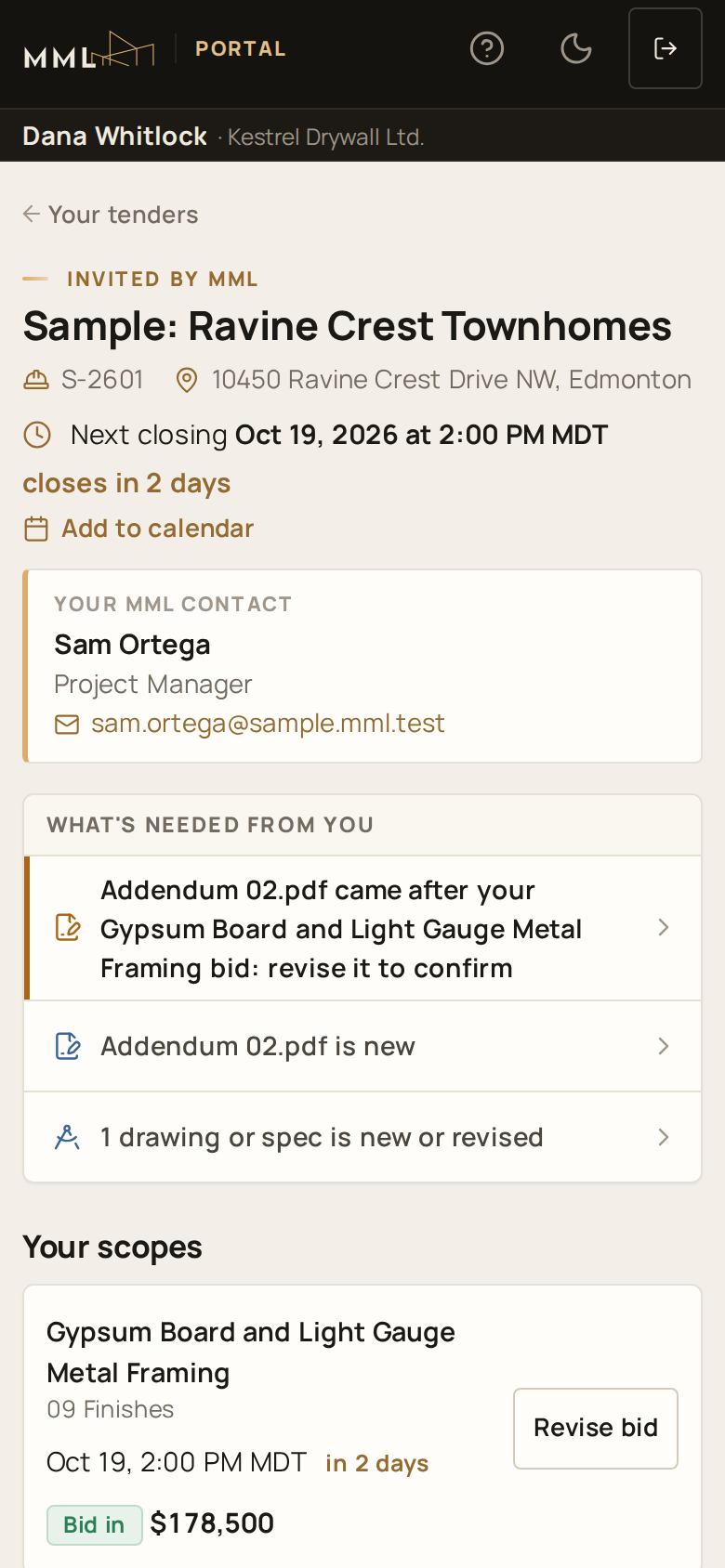
On a phone
The portal works the same on a phone.
Documents shared with consultants
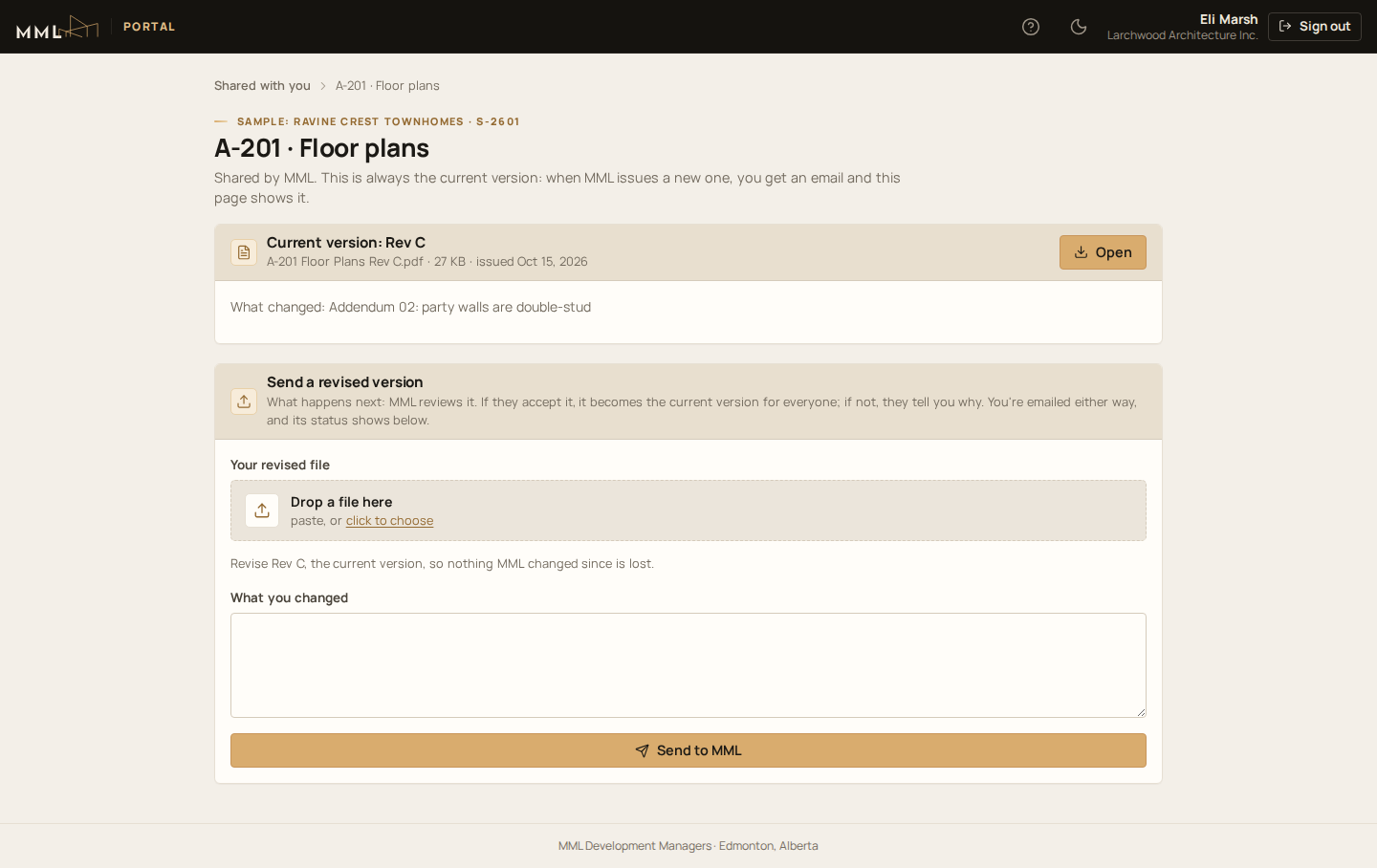
When MML shares a drawing or document, the person gets an email with their own link, and signs in with a code the same way. Shared with you lists what's shared with them.
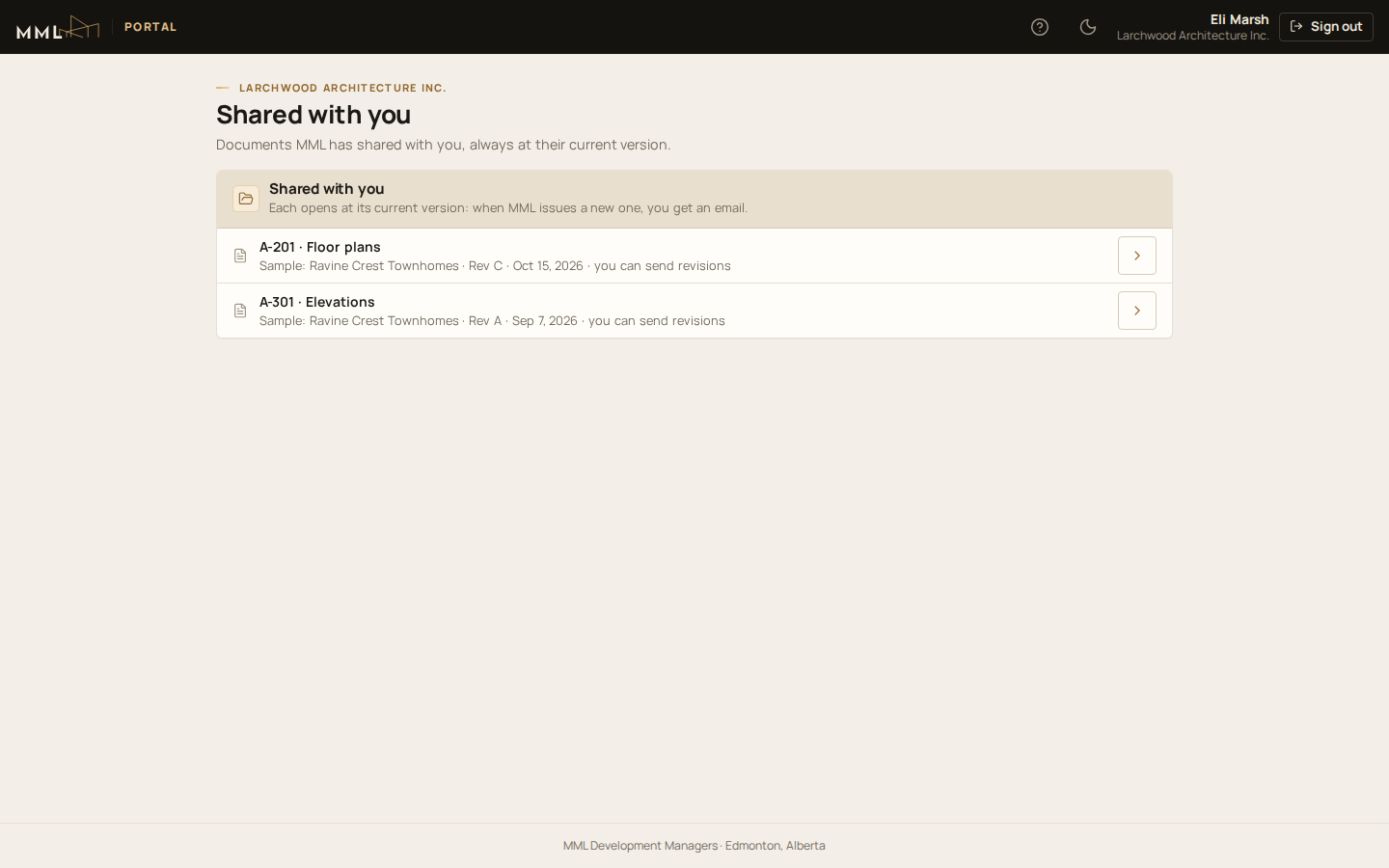
Each document always opens at its current version, and they're emailed when MML issues a new one. If MML allows it, Send a revised version sends a revision back. MML reviews it: if it's accepted it becomes the current version, and either way they're emailed the decision.